
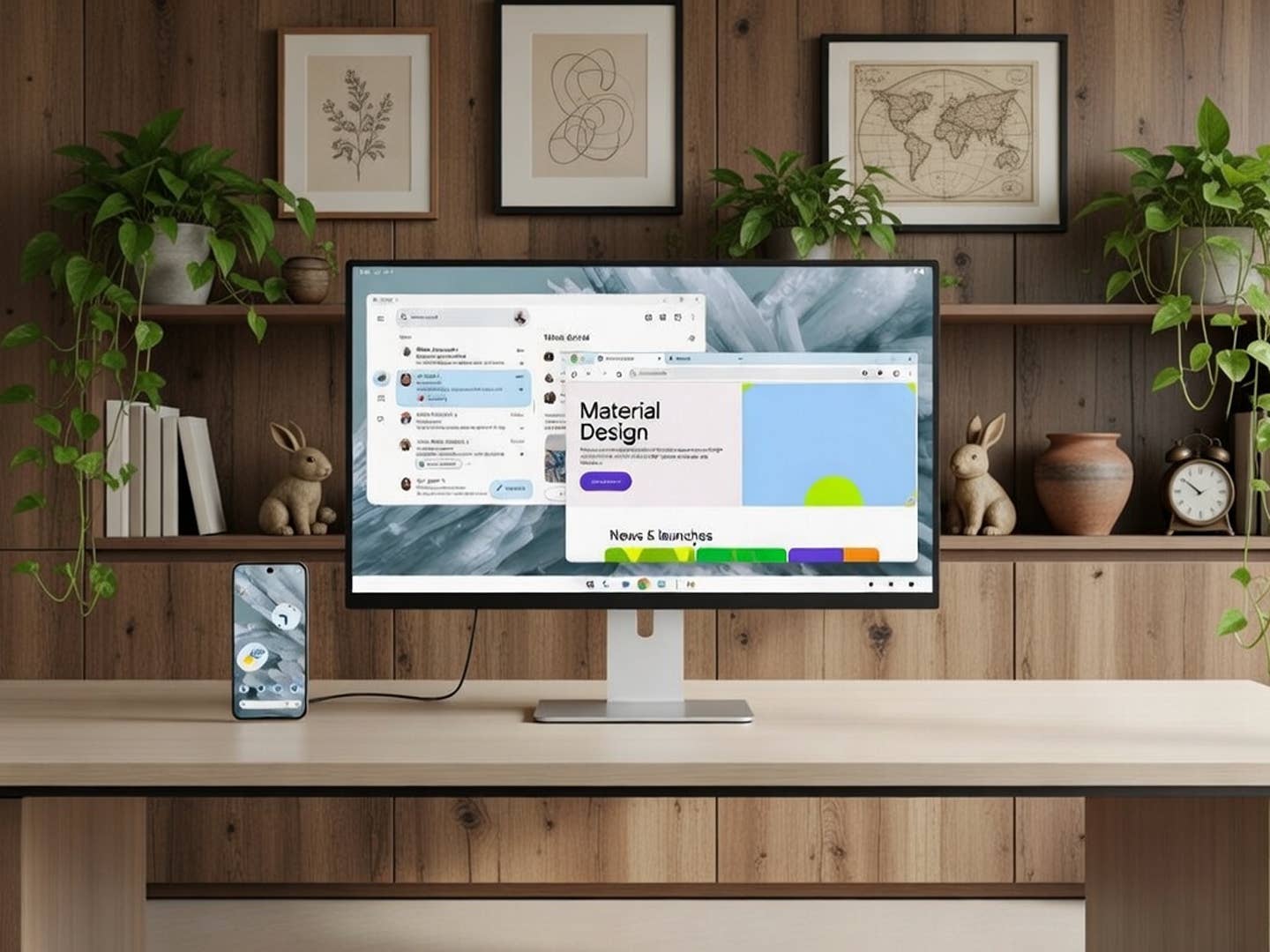
Why carry a laptop when your phone can do it all? The new native desktop mode on Android allows Pixel and Galaxy users to enjoy a PC-like experience with resizable windows and side-by-side multitasking.
With Android 16 almost ready to land on most phones, anticipation is already building for Android 17. However, we are seeing some thoughtful additions with the current version. The latest update for Pixel has surprisingly included a native desktop mode, enabling you to turn your phone or tablet into a powerful laptop or PC alternative.
Google is rolling out the Android 16 QPR3 update as the last major installment before Android 17 releases sometime in May or June. One of the most important additions is this desktop mode, which has been under testing for quite some time.
A Mini PC in Your Pocket
Samsung has featured DeX mode for years and continues to improve it over time. Google is now adopting this concept and bringing it as a native feature to the Android ecosystem.
This is an upgraded version of the display mode you get when connecting your phone to an external monitor or TV. It shows a flexible interface on the larger screen and adapts elements by adding a dedicated taskbar or dock at the bottom that mirrors a desktop PC. When paired with a Bluetooth mouse and keyboard, you get a full computer-like setup.

Multitasking is also supported, allowing you to drag and resize windows or place tabs side-by-side. There is an added advantage for tablets, as the UI extends automatically. You can freely transfer windows between the tablet and the connected display, effectively giving you a dual-monitor setup.
I have used DeX mode on my Galaxy Tab S10 FE (review), and I believe that bringing this support to more devices will be incredibly useful. While the power is not yet on par with a standalone PC, turning your phone into a mini PC offers a massive advantage in portability. Just connect your accessories and you are ready to get most tasks done.
Which Devices Support Native Desktop Mode?
The new native desktop mode is available for both Pixel and Samsung Galaxy devices without needing to tweak settings or enter developer mode. Currently, it is supported on Google’s Pixel 8, Pixel 9, and Pixel 10 devices. For Samsung, it is available on the Galaxy S26 (review), Galaxy Z Flip 7, Galaxy Z Fold 7, and Galaxy Tab S11 series. Other manufacturers may start adopting this with Android 17.
While this is a major addition to Android, it will likely serve as the basis for features mirrored in Google’s new Aluminum OS. That platform is expected to replace ChromeOS and will be geared specifically for laptops and tablets.
What are your thoughts on turning your Android phone into an on-the-go PC? We are interested to hear your answers in the comments.
We mark partner links with this symbol. If you click on one of these links or buttons–or make a purchase through them–we may receive a small commission from the retailer. This doesn’t affect the price you pay, but it helps us keep nextpit free for everyone. Thanks for your support! Prices are based on the date of publication of this article and may be subject to change.