
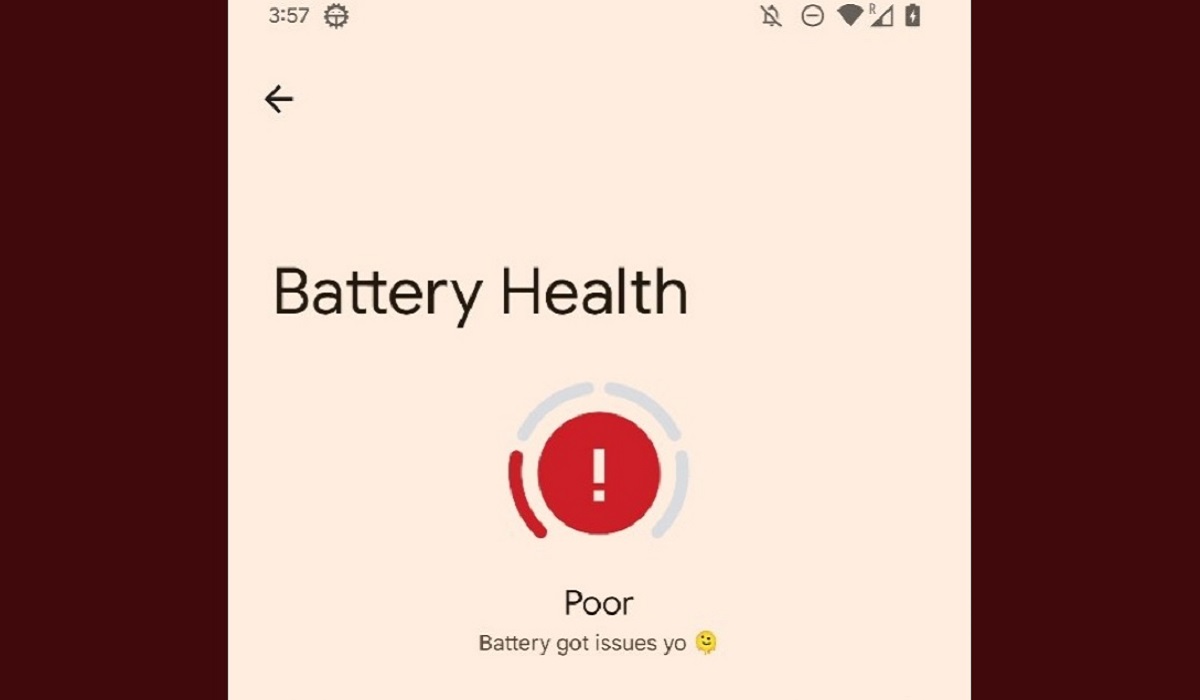
To check your iPhone battery health, go to Settings → Battery → Battery Health. Your Maximum Capacity percentage is displayed at the top — anything above 80% is healthy. Below 80% and iOS recommends a battery replacement.
That is the short version. Below is everything else you need to know: what the numbers actually mean, what iOS 26 added to battery health monitoring, when to replace your battery, and how to slow down battery degradation going forward.
How to Check iPhone Battery Health — Step by Step
The exact path depends on your iPhone model.
iPhone 15 and later (including iPhone 16 and iPhone 17):
- Open Settings.
- Tap Battery.
- Tap Battery Health.
iPhone 14 and earlier:
- Open Settings.
- Tap Battery.
- Tap Battery Health & Charging.
On iPhone 15 and later, the Battery Health section is a separate menu. On iPhone 14 and earlier, it is combined with charging settings under Battery Health & Charging.
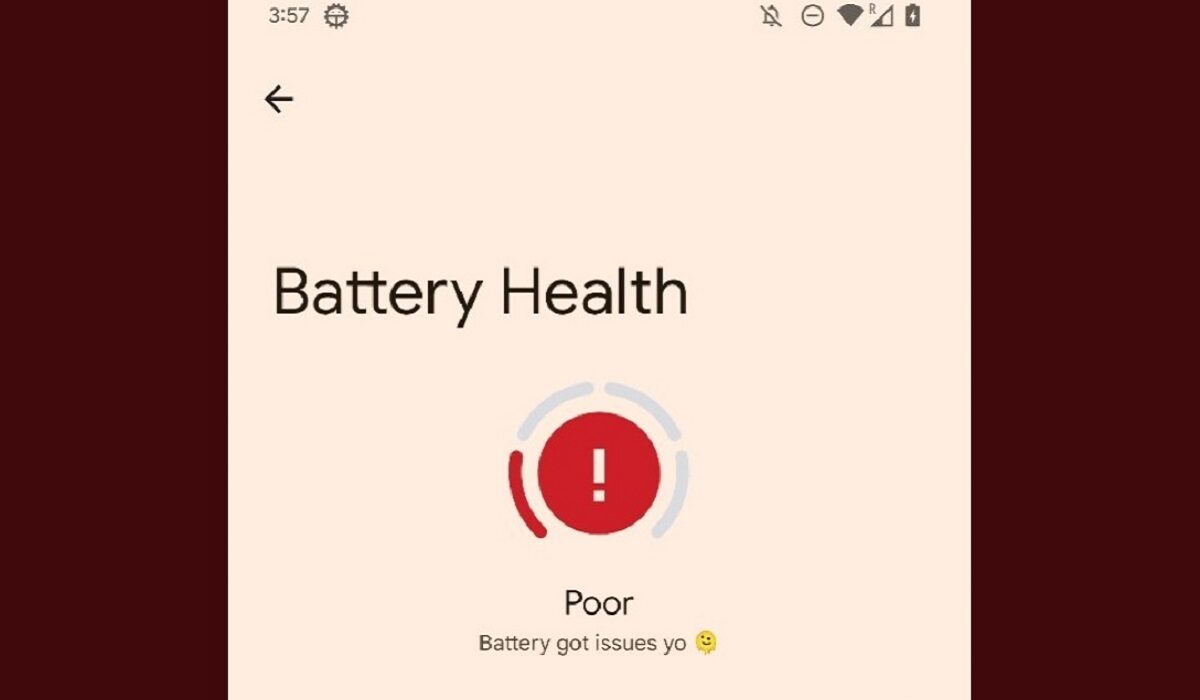
What the Battery Health Screen Shows You
Maximum Capacity
Maximum Capacity measures your battery’s capacity relative to when it was new. A battery at 87% maximum capacity holds 87% of the energy it held when the iPhone was first sold. As that percentage drops, your iPhone holds less charge and needs recharging more frequently.
What the numbers mean in practice:
| Maximum Capacity | What It Means |
|---|---|
| 100% | Brand new or near-new |
| 95%–99% | Excellent — normal for 0–12 months of use |
| 85%–94% | Good — normal for 1–2 years of use |
| 80%–84% | Fair — still within Apple’s serviceable range |
| Below 80% | Degraded — Apple recommends replacement |
iPhone 15 models are designed to retain 80% of their original capacity at 1,000 complete charge cycles. iPhone 14 and earlier models are designed to retain 80% at 500 charge cycles.
Peak Performance Capability
Below the Maximum Capacity percentage, iOS displays one of several Peak Performance messages. Here is what each one means:
“Your battery is currently supporting normal peak performance.” Everything is fine. No throttling is active.
“This iPhone has experienced an unexpected shutdown because the battery was unable to deliver the necessary peak power. Performance management has been applied to help prevent this from happening again.” Your iPhone’s battery degraded enough that it caused an unexpected shutdown. iOS automatically enabled Performance Management — which intentionally reduces peak CPU and GPU performance to prevent future shutdowns. Symptoms include slower app launches, reduced scrolling smoothness, lower screen brightness, lower speaker volume, and disabled camera flash in some cases. You can disable this, but iOS will re-enable it automatically if another unexpected shutdown occurs.
“Your battery’s health is significantly degraded. An Apple Authorized Service Provider can replace the battery to restore full performance and capacity.” This is not a safety warning — your iPhone is still usable. But battery and performance issues will be noticeably worse. Apple recommends replacing the battery at this stage.
“Unable to verify this iPhone has a genuine Apple battery.” The battery was replaced with a non-Apple or non-genuine part, or the battery’s authentication data cannot be read. The battery health information on this screen may not be accurate. This does not affect the phone’s basic functionality but means battery health metrics are unreliable.
What Is New in iOS 26 Battery Health
iOS 26 added several new layers to battery monitoring. When you open Settings → Battery, you now see a Daily Usage bar graph showing your daily battery consumption alongside a daily average, making it easy to spot days where usage was unusually high.
iOS 26 also introduced Battery Insights — suggestions that appear just above the Daily Usage chart if iOS detects specific behaviours draining your battery faster than necessary. Examples include: Auto-brightness disabled, Auto-lock disabled, and High Brightness. These are actionable recommendations, not just information.
Adaptive Power (iOS 26, iPhone 15 Pro and later): Adaptive Power is a new iOS 26 feature that automatically adjusts performance and power usage based on what you are doing — scaling back when the AI determines you do not need maximum performance, and ramping up when you do. It is separate from Low Power Mode and works transparently in the background. Apple recommends keeping Adaptive Power off unless your iPhone is running unusually hot.
Charge Limit (iPhone 15 and later): The Charge Limit feature lets you set a maximum charge level from 80% to 100% in 5% increments. iOS can also suggest an optimal limit automatically based on your habits — for example, “Based on your iPhone habits, a charge limit of 95% is recommended.” Keeping your iPhone below 100% consistently is one of the most effective ways to slow battery degradation over time.
How to Check Battery Health More Precisely (Advanced Method)
The built-in Maximum Capacity percentage is rounded and updated infrequently. For a more granular reading — useful if you are buying a used iPhone and want to verify the battery’s real condition — your iPhone’s diagnostics data contains a more precise figure.
To access it: go to Settings → Privacy & Security → Analytics & Improvements → Analytics Data. Find the most recent analytics file — it has a date in its name. This file contains detailed battery cycle count, raw capacity figures, and design capacity data that the standard Battery Health screen does not display.
The analytics file is in JSON format and is easier to read with the free Battery Stats Siri Shortcut, available from the Shortcuts Gallery. Once installed, it processes the analytics file and outputs a clear battery report including the exact raw capacity and cycle count.
When Should You Replace Your iPhone Battery?
Apple’s official threshold is 80% Maximum Capacity — below that, a battery replacement is recommended. But the percentage alone does not tell the complete story. Consider replacement if:
- Maximum Capacity is below 80%
- You see the “Performance management has been applied” message
- Your iPhone shuts down unexpectedly at 20–40% battery
- The phone does not make it through a typical day on a single charge despite reasonable use
- The battery runs noticeably hotter than it used to
How much does iPhone battery replacement cost in the US?
| Coverage | Cost |
|---|---|
| AppleCare+ (active plan) | $29 to $99 per incident depending on the model |
| Out of warranty — iPhone 11 and earlier | $69 to $89 |
| Out of warranty — iPhone 15 and later | $99 |
| iPhone 17 series | $119 |
Replacements are available at Apple Stores, Apple Authorized Service Providers, and — for some models — through Apple’s Self Repair program.
How to Slow Down Battery Degradation
Knowing your battery health is one thing — extending how long it stays healthy is another. These habits make a measurable difference over a two to three year phone lifespan.
Enable Optimized Battery Charging. Optimized Battery Charging uses on-device machine learning to learn your charging routine and delays charging past 80% until shortly before you typically unplug. This reduces the time your battery spends at 100%, which is the state that accelerates chemical ageing most. Go to Settings → Battery → Battery Health → Optimized Battery Charging to enable it.
Set a Charge Limit below 100% (iPhone 15 and later). Setting the charge limit to 80–85% for day-to-day charging is the most effective single step for maximising battery lifespan. You lose some top-end capacity per day but gain significantly longer battery health over years of use. Go to Settings → Battery → Charging → Charge Limit.
Avoid extreme temperatures. The ideal operating range for iPhone batteries is 62°F–72°F (16°C–22°C). Exposure above 95°F (35°C) causes permanent battery damage. Do not leave your iPhone in a hot car. Remove thick cases while charging if the phone gets warm.
Do not drain to 0% regularly. Deep discharges stress lithium-ion cells. Plugging in at 20–30% rather than waiting for the battery to die extends the overall cycle life of the battery.
Use MFi-certified or USB-C Power Delivery chargers. Third-party chargers that do not properly regulate voltage can cause heat spikes during charging, which accelerates degradation. Look for Apple MFi certification or USB-C PD compliance.
Frequently Asked Questions
What is a good battery health percentage for iPhone?
Apple considers anything above 80% as within normal operating range. Below 80%, battery replacement is recommended. For a day-to-day user, above 85% is comfortable for a full day’s charge.
How do I check battery health on a used iPhone before buying?
Ask the seller to show you Settings → Battery → Battery Health and check the Maximum Capacity. Also look for the “Performance management has been applied” message — that is a sign the battery has already degraded enough to cause shutdowns. For a more precise check, use the Analytics Data method described above.
Why is my iPhone battery health dropping so fast?
The most common causes are: charging to 100% every night, using a non-certified charger, leaving the phone in heat (car, direct sunlight), and heavy gaming or camera use that generates sustained heat. Enabling Optimized Battery Charging and a Charge Limit are the two most effective countermeasures.
Can I replace my iPhone battery myself?
Apple’s Self Repair Program allows DIY battery replacement on select iPhone models using Apple-supplied parts and tools. However, self-replacement on newer models is complex and voids any remaining warranty on the battery component. For most users, Apple Authorised Service or an Apple Store is the safer and faster option at $99 for many models.
Does iOS 26 battery health differ from iOS 18?
iOS 26 added Daily Usage charts, Battery Insights, and Adaptive Power to the battery settings interface. The core Maximum Capacity metric and the 80% replacement threshold remain unchanged. The path is also slightly different — Battery Health is now a standalone menu rather than combined with charging settings on newer iPhone models.
Related Articles
Steps verified on iOS 26 (March 2026). Battery replacement pricing current as of March 2026 — verify at apple.com/support/service/pricing before booking a repair appointment.
Disclosure: When you purchase through links on our site, we may earn an affiliate commission.