

An audio spectrum analyser is an electronic instrument or device that measures and displays the amplitude of an input signal as a function of frequency. It provides a visual representation of the frequency spectrum, typically using a row or column of LEDs to indicate the strength of different frequency components present in the audio signal. By separating a complex signal into its individual frequency components, the analyser reveals how energy is distributed across different frequency ranges.
The device presented here is a simple audio spectrum analyser designed to visually represent the frequency content of an audio signal. The input signal is taken directly from the headphone output of a laptop or mobile phone and passed through filters that divide it into different frequency bands, such as bass, mid-range, and treble. Each frequency band drives a group of LEDs that glow according to the signal strength within that band. As the audio changes, the LEDs respond dynamically, producing a visual display that corresponds to the sound being output.
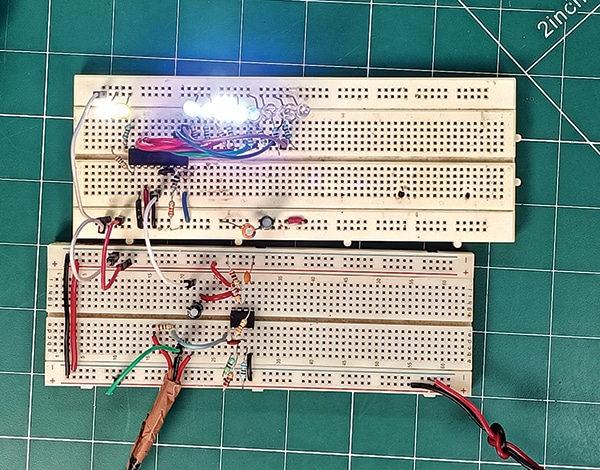
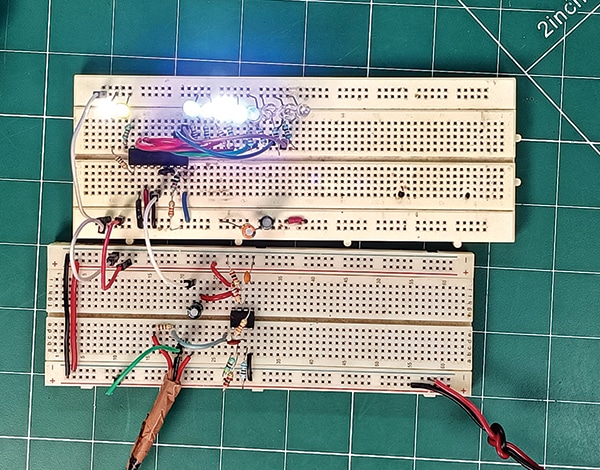
Such analysers are commonly used in audio systems, music players, and sound-responsive lighting displays to provide a visual indication of the audio spectrum. The prototype of the device is shown in Fig. 1.

Circuit and working
Fig. 2 shows the circuit diagram of the audio spectrum analyser. The device is built around op-amp LM358 (IC1), dot/bar display driver LM3914 (IC2), and a few other passive components.

EFY++ CONTENT: ACCESS TO THIS CONTENT IS FREE! BUT YOU NEED TO BE A REGISTERED USER.