
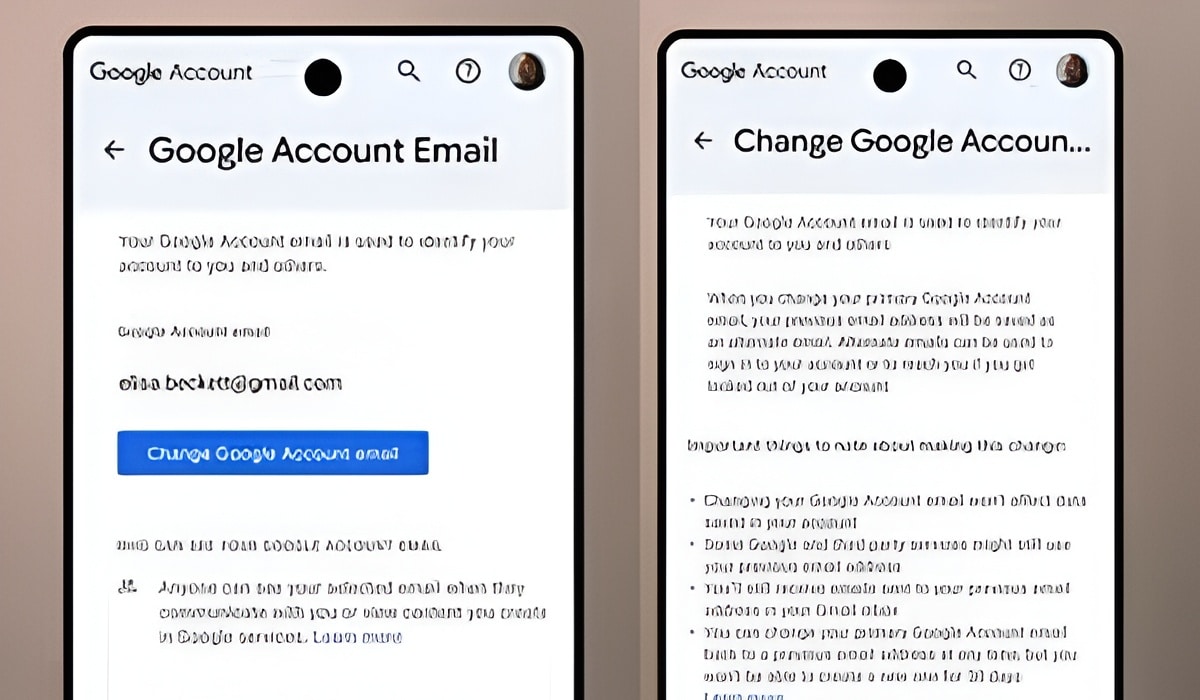
You know that embarrassing Gmail username that makes you think twice before saying it out loud to others or filling a form? The username you made years ago that seemed cool at the time? You’ve been hoping it was somehow possible to change it. You don’t have to feel embarrassed anymore. Google is letting you rewrite your identity by rolling out the ability to change your Google account username.

Google has announced that all Google Account users in the US can now change their Google Account username (the part before “@gmail.com”). Although the company began rolling out this feature last year, it’s now widely available in the region.
To change your username, head over to your Google Account settings on any Google website or Gmail. You can do this by tapping the profile photo in the top-right corner, then Manage your Google account. Next, click Personal Info > Email > Google Account email > Change Google Account email, and follow the on-screen prompts.
According to Google, after changing your username, your previous email address will be saved as an alternate email address, which can be used to sign in to your account or to reach you if you get locked out. You can also receive and send emails through your previous email address with the new one.
There’s a limit to how Google Account creation works. You can create a new address only once every 12 months. If after changing your username you want to return to the previous username, you can but you won’t be able to create a new one for 30 days. Also, you can create only up to three new email addresses for your Google Account, making a total of four email addresses.
While there isn’t any official announcement from Google regarding international availability for this change, folks from Android Authority were able to change the username available to them in India. The US rollout is a way for users to start all over on a clean slate.
Disclosure: When you purchase through links on our site, we may earn an affiliate commission.