

Disclosure: When you purchase through links on our site, we may earn an affiliate commission.
With the Galaxy Z Fold 7 arriving alongside Samsung’s brand-new One UI 8, you’re not just getting another software update — you’re getting a smarter companion. The AI-powered Features in One UI 8 are designed to make your foldable more intuitive, whether you’re managing multiple apps at once, drafting content with ease, or turning creative ideas into reality.
Instead of just being a phone, it feels like a personal assistant that adapts to your lifestyle. The beauty of the AI-powered Features in One UI 8 is how seamlessly they blend into your everyday use, giving you speed, convenience, and a touch of fun. If you’re ready to experience what next-level mobile intelligence looks like, the AI-powered Features in One UI 8 are here to set the bar.
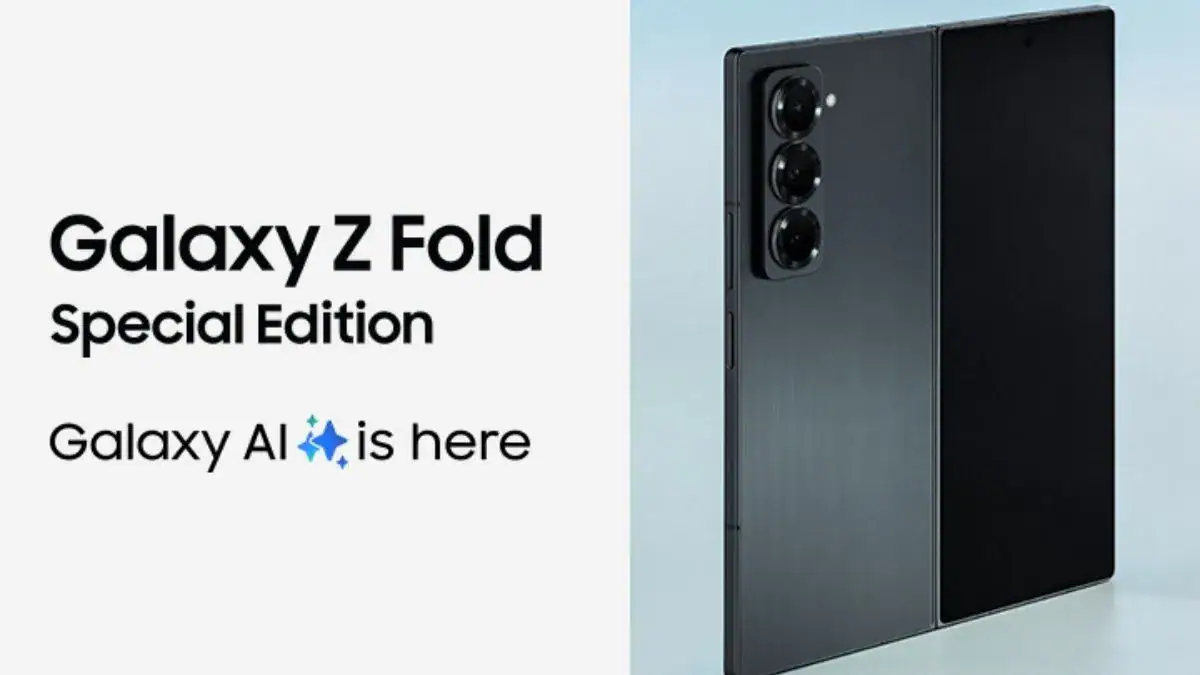

What’s New with AI-powered Features in One UI 8?
Samsung calls its new AI experience “multimodal,” meaning it understands content, context, and natural inputs (text, voice, visuals) simultaneously. This powerhouse AI integrates deeply with the big foldable screen of the Z Fold 7 to offer smart multitasking, live contextual assistance with Google’s Gemini Live, photo and drawing helpers, and so much more.
Smarter Multitasking: AI-Powered Multitasking Like a Pro
- Use One UI 8’s Multi-Window Gemini Support: Run your apps in split or floating windows with AI-powered suggestions that adapt based on your usage patterns and screen space. For example, AI may suggest opening your calendar alongside an email you’re reading or keep a handy floating calculator when you’re working.
- Galaxy AI understands app context and offers relevant shortcuts and notifications on the large foldable display without interrupting your flow.
- AI-driven floating windows let you resize, move, and adjust assistant views on the fly for a personalized workspace.
Writing Assist: Your Pocket Wordsmith
- Need help drafting emails, texts, or social media posts? The AI assistant can help you write better, faster, and with style tailored to your needs.
- While typing, get real-time suggestions for grammar fixes, tone adjustments, and even creative phrasing, all without switching apps.
- Voice-to-text is smarter than ever in One UI 8, interpreting natural speech seamlessly whether you’re dictating notes or drafting documents on the big screen.
Drawing Assist: Unleash Your Inner Artist
- Flex your creativity using the drawing assist AI on the foldable display — it helps with smooth lines, shape recognition, and even color suggestions.
- Compare edited images side-by-side with originals using the Photo Assist feature to perfect your art or photos.
- AI-powered generative edits can help enhance or transform your sketches with just a tap, giving your doodles professional polish.
How to Access and Use These AI Features
- Press and hold the Side Button to launch Google Gemini Live for real-time AI assistance on whatever’s on your screen.
- Use Screen Sharing on Gemini Live to share your display with the AI and ask contextual questions or get suggestions as you work through apps.
- Access AI-enhanced multitasking via the multitasking panel and floating windows on the main screen.
- Open the Samsung Notes or supported apps for drawing assist with your S Pen and watch the AI smooth and suggest improvements.
- Write with style using AI suggestions in the keyboard and text editing interfaces.
Why Tech Enthusiasts Are Loving One UI 8’s AI Upgrades
- It blends AI power naturally with the foldable form factor, providing a unique smart experience you won’t find on regular phones.
- Helps you work faster and smarter, freeing you from tedious tasks and enhancing creativity.
- Makes multitasking intuitive and personalized, keeping your workflow smooth and efficient.
- Turn your Galaxy Z Fold 7 into a futuristic companion that feels like it anticipates your next move.
Conclusion
With AI-powered Features in One UI 8, the Galaxy Z Fold 7 stops being just a phone and becomes more like a true companion. From multitasking to writing and even sketching ideas on the go, these AI-powered Features in One UI 8 are built to make everyday tasks smoother and more enjoyable.
Whether you’re working, creating, or simply unwinding, the AI-powered Features in One UI 8 ensure your foldable is always one step ahead — helping you get more done while keeping the experience fun and effortless.