


Here you’ll find the best HumanitZ console commands and cheats that can reshape your adventure and help your survival in the zombie apocalypse.
How to Use the Commands Console in HumanitZ
First, you’ll need to make sure you have access to the in-game console that allows players to activate all the console commands found in the game so far.
- Like in other co-op-oriented games, commands are entered on the chat input screen, which is opened with the Enter key.
- Commands that do not affect the game balance can be freely used.
- Console commands that need administrative privileges may be used if you have admin. status on a dedicated online server (/AdminAccess command required first), if you’re in single-player (no admin. command needed), or when the player is the host of an online game.
Best HumanitZ Console Commands and Cheats
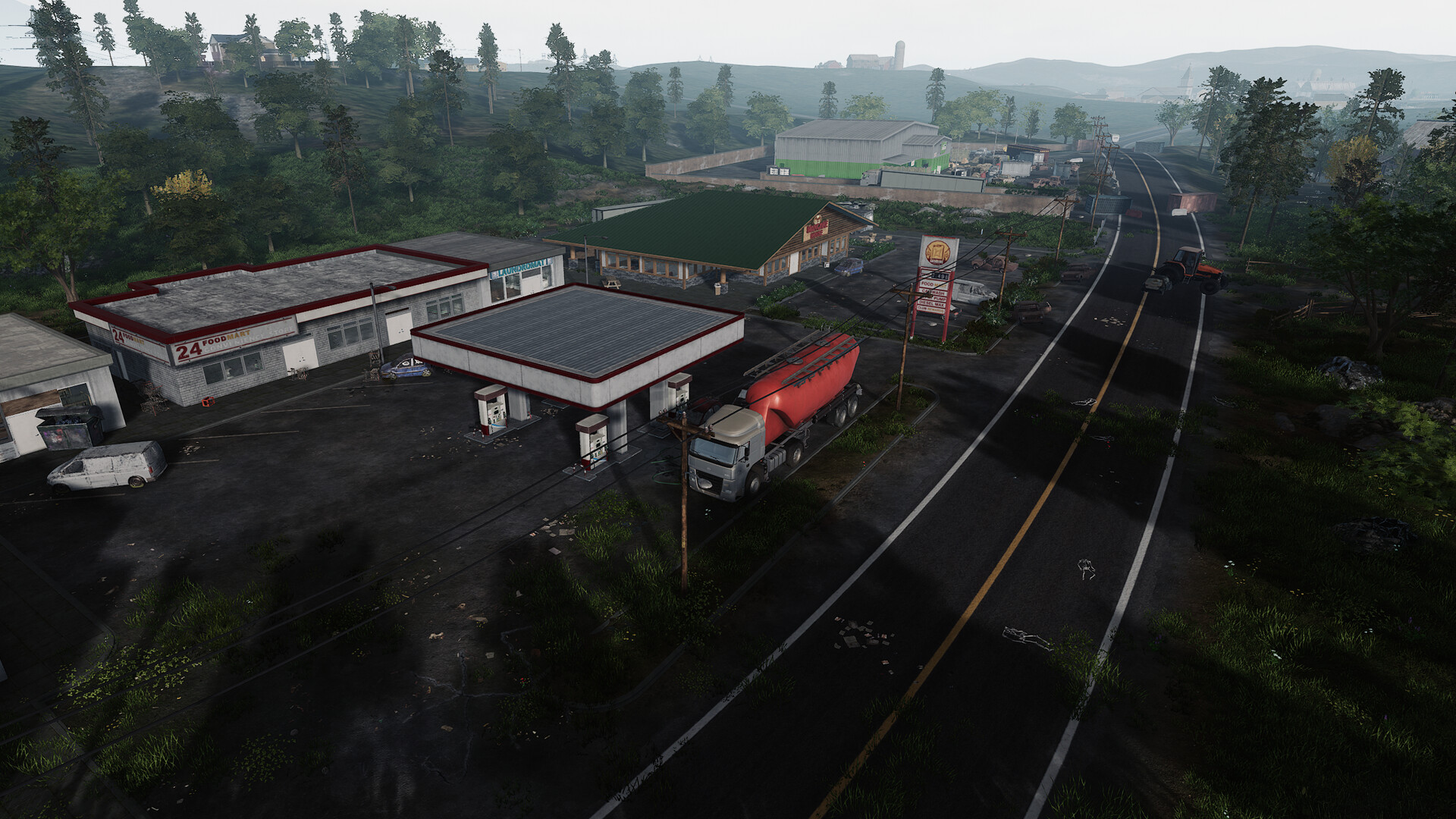
Below you’ll find a list of basic console commands that can be used by everyone and those only available to admins and the players with admin. privileges. We also recommend using this handy guide on Steam (which has also helped us put together part of this article) to get the full list of items, vehicles, and more you can spawn with the spawn commands.
HumanitZ Console Commands for Everyone
- /DogSetName [Name] – Sets a name for your dog companion
- /TPDog – Teleport dog companion to you
- /unstuck – use if unable to interact or stuck in geometry
- /unstuckgeo – Force unstuck from geometry
- /close – Closing the chat window
- /clear – Clear chat history
- /fps – Toggle game fps
HumanitZ Console Commands for Admins
- /adminw – Opens the admin menu
- /AdminAccess [password] – Add another admin to the server. Players must look into the GameServerSettings.ini file to give the admin their password
- /savegame – Saves the game
- /Shutdown [seconds] – Players set how many seconds they want before the server autosaves and shuts down
- /ClearAllFakeBuildings – Deletes all unbuilt blueprints
- /spawn dog – Spawns a dog companion
- /god – No damage and materials are no longer needed to build
- /superadmin – Allows the player to fly around the map
- /spawn item_[Name] – Spawns items
- /spawn backpack_[Name] – Spawns a backpack
- /spawn car_[Name] – Spawns a vehicle
- /spawn ai_[Name] – Spawns AI
- /fspawn – Forces entities to spawn if blocked
- /exp [Value] – Grants the player 1,000 times the XP value provided
- /ExecCmd [Command] – Executes a command based on the available ones
For the latest gaming news, follow GameWatcher on BlueSky, check out our videos on YouTube. We sometimes include affiliate links in our posts, which grants us a small commission, thank you. Please support independent Games Media. ❤️