
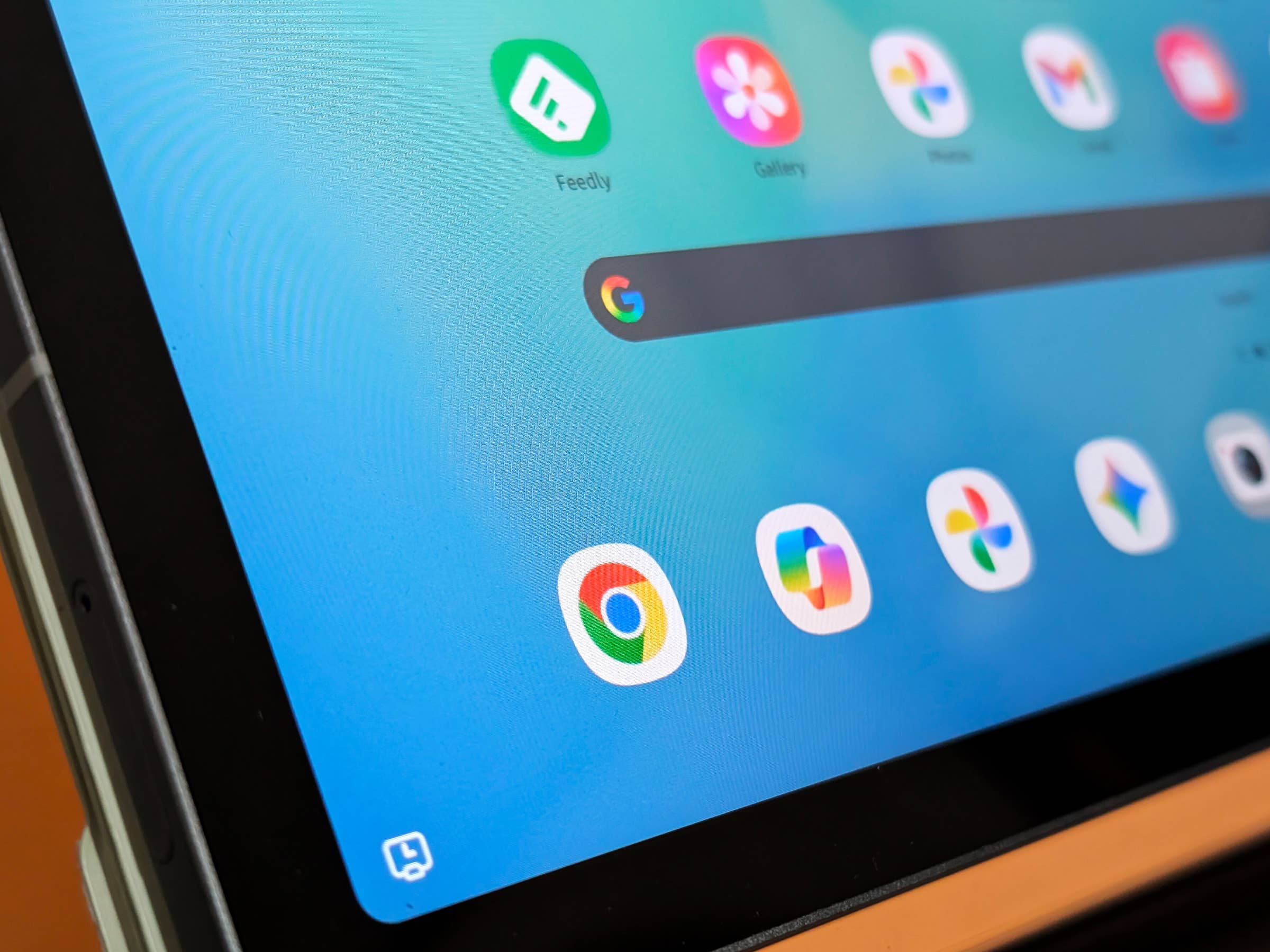
Google Chrome is finally bridging the gap between mobile and desktop browsing. A new update adds a dedicated bookmarks bar to Android tablets and foldables. This guide will help you on how to enable or show bookmarks bar on your device and improve your productivity.
Chrome has become ubiquitous on Android devices, including tablets. It is a browser that many users rely on for productivity on the go. thanks to its many desktop-like functions. However, one feature that has long been missing from large-screen Android devices is the bookmarks bar, which has previously remained exclusive to the PC version. This is finally changing in the latest Chrome update.
It is currently unclear whether version 146 of Chrome for Android officially enabled support for the bookmarks bar on tablets and foldables or if it was silently added in a previous release. Regardless, if you have the latest version, navigating to the browser settings now reveals a toggle to show or hide bookmarks, as first discovered by 9to5Google.
How to Show the Bookmarks Bar on Android Tablets and Foldables
The toggle can be accessed by opening Chrome settings and navigating to Appearance. From there, simply tap on Show bookmark bar.
- Open Chrome.
- Tap on the three-dot menu.
- Choose Settings.
- Scroll down and look for Appearance.
- Toggle Show bookmarks bar.
- Tap the home or back button to save your changes.
Tap on the three-dot menu.
Guide on how to enable Chrome Bookmarks bar on Android tablet and foldable phones
Tap on Settings.
Guide on how to enable Chrome Bookmarks bar on Android tablet and foldable phones
Scroll down and look for Appearance.
Guide on how to enable Chrome Bookmarks bar on Android tablet and foldable phones
Toggle on Show bookmarks bar.
Guide on how to enable Chrome Bookmarks bar on Android tablet and foldable phones
Bookmarks bar now appears below the main search bar.
Guide on how to enable Chrome Bookmarks bar on Android tablet and foldable phones
The addition of a bookmarks bar for Android is one of the most requested features from the PC version of Chrome. Once enabled, it brings a full-width of bookmark folders and websites to a dedicated horizontal row below the Omnibox for quicker access. This complements the existing adaptive tool button located beside the search box.
Users also gain an All bookmarks shortcut on the far right side of the bar, similar to the desktop version. Additionally, a drop-down menu allows you to manage folders and pages directly from the bookmarks bar.
Right now, this appears to be an optional feature rather than a default one. However, it is a useful addition that many large-screen users will find beneficial for improving productivity and efficiency while working or browsing. It is also a thoughtful addition to the new desktop mode found in Android 16, especially for users who treat their Android tablet as a laptop alternative.
In terms of availability, the feature is supported on Android tablets and foldable smartphones, such as the Samsung Galaxy Z Fold 7 (review) and Google Pixel Fold 10.
Do you use Chrome on your Android device? What are your thoughts on having a dedicated bookmarks bar on mobile? Share your answers in the comments.
We mark partner links with this symbol. If you click on one of these links or buttons–or make a purchase through them–we may receive a small commission from the retailer. This doesn’t affect the price you pay, but it helps us keep nextpit free for everyone. Thanks for your support! Prices are based on the date of publication of this article and may be subject to change.