
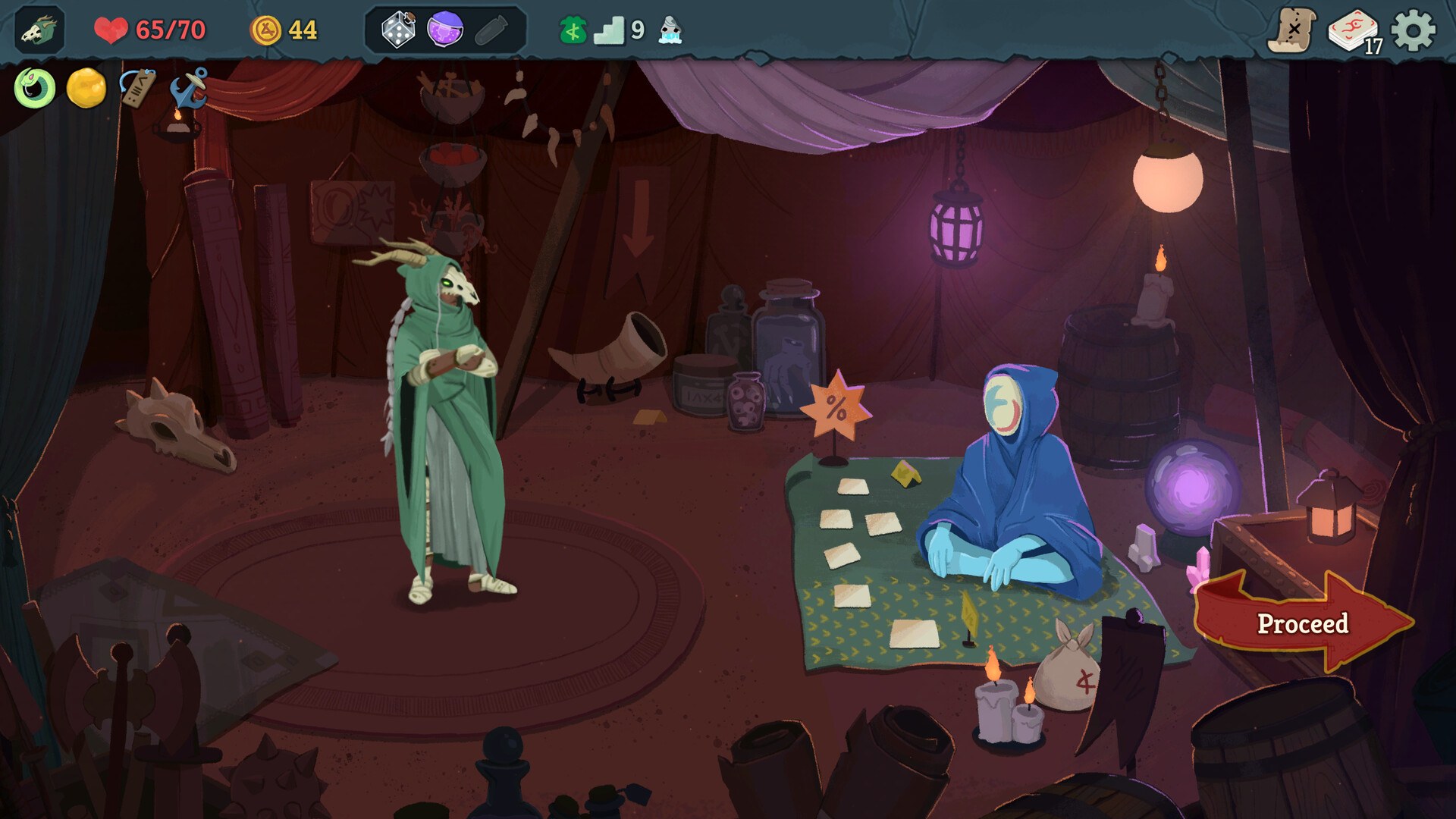
Slay the Spire 2 is out now via Steam Early Access, and players are already blasting through its new roguelite dungeon, seeking riches and to clear daunting encounters over and over again. Want some help or to mess around with everything it has to offer? These are the best Slay the Spire 2 console commands and cheats we’ve found so far.
The sequel to the iconic roguelike deckbuilder isn’t short on content even if it’s just getting started, and with co-op added to the mix, chances are it’ll enchant players even longer than its enduring predecessor. From the very beginning, console commands have been uncovered, so there’s an opportunity here for folks who like to tinker with single-player runs and twist a game’s systems. If you want to learn more about the commands and cheats already available, scroll down below.
Slay the Spire 2 Console Commands
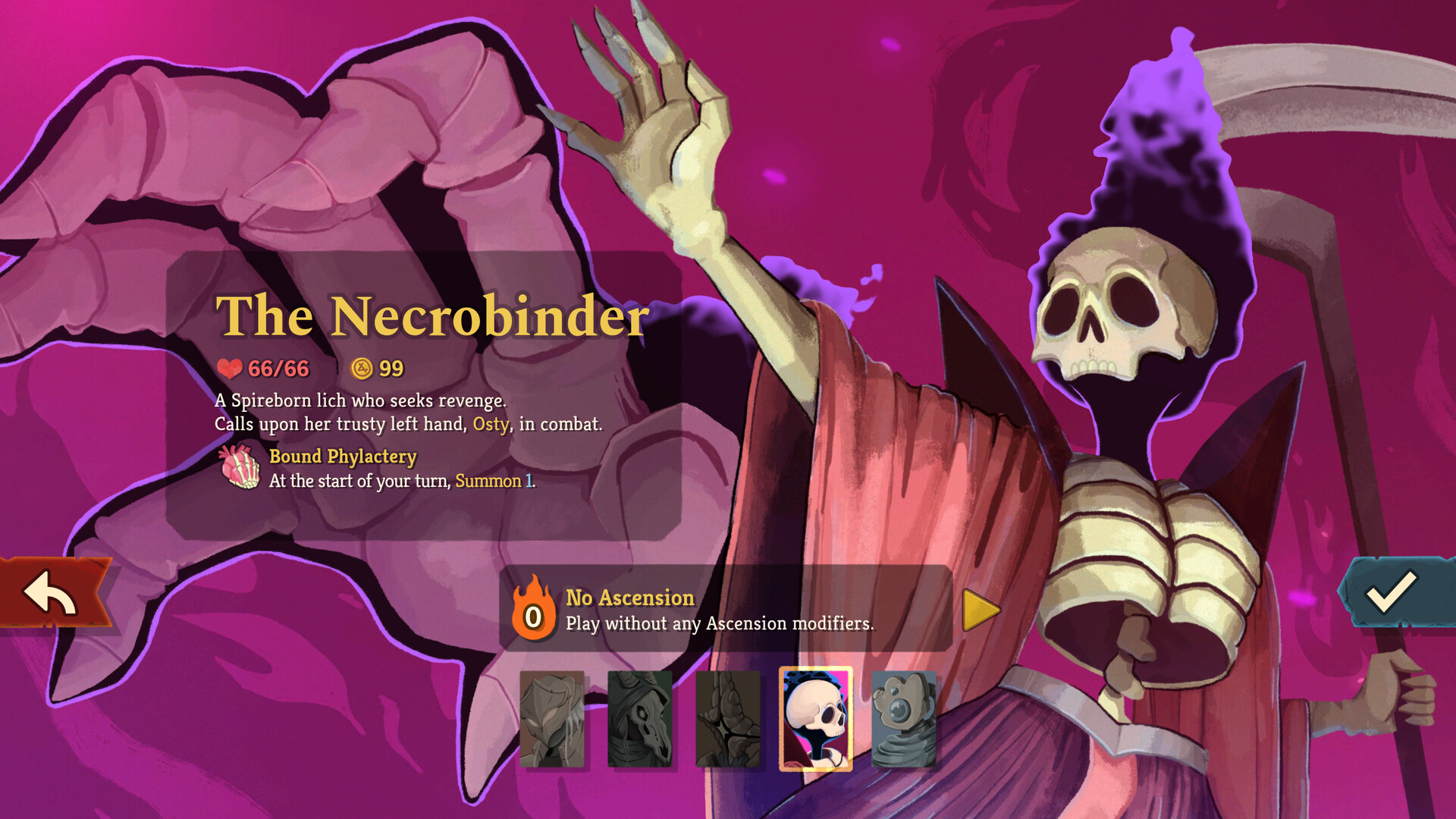
When it comes to Slay the Spire 2 console commands, you’re in luck, as the game has a built-in console with a handful of commands it can execute. However, user tbonex28b has quickly created an extended DevConsole mod that adds more console commands to the list.
At the time of writing, it works with the latest Slay the Spire 2 game update, and you only need to do the following after installing it:
- Press ~ (Tilde) key in-game to open the console.
- Type help or press Tab for a list of available commands.
As always, be aware that cheating with console commands can lead to unexpected game behaviour and corrupted saves, especially in a game that’s still in early development.
Slay the Spire 2 Cheats
Alternatively, you can gain access to cheats and edit values such as health, energy, and gold with the Slay the Spire 2 trainer by DarkMango.
Much like in-game console commands, external trainers and other cheat mods can lead to lots of game instability, so make sure to back up your saves if you don’t want to lose progress or potentially corrupt them.
Related Slay The Spire 2 Articles:
For the latest gaming news, follow GameWatcher on BlueSky, check out our videos on YouTube. We sometimes include affiliate links in our posts, which grants us a small commission, thank you. Please support independent Games Media. ❤️