
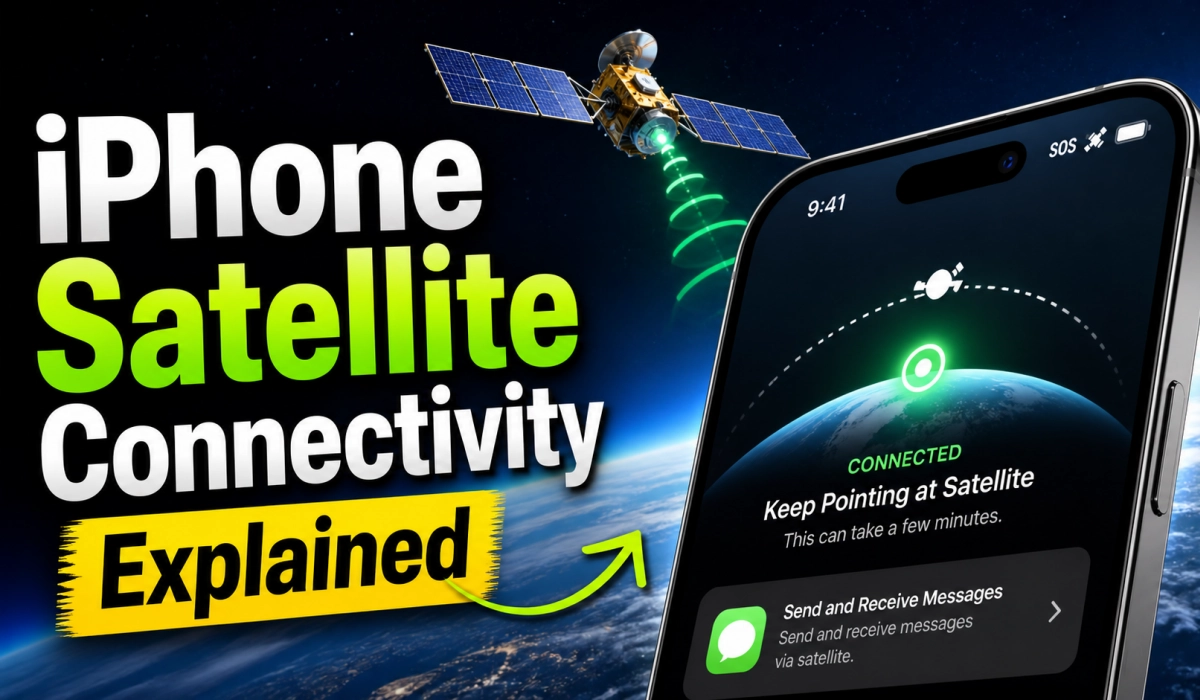
Apple’s iPhone 14 and newer models include Emergency SOS via Satellite, a feature designed for situations where you’re outside cellular and Wi‑Fi coverage. It lets you send short text messages to emergency services and share your location with contacts through the Find My app.
This is not full satellite internet, as you can’t browse or use apps over satellite (not yet). Instead, it is a safety tool for emergencies and staying found when off the grid. Messages may take longer to send, and you’ll need to point your iPhone toward the sky to connect.
Apple continues to expand coverage globally, and future iPhones may adopt broader 5G satellite standards (NR‑NTN), but for now, the feature remains focused on emergency use.
Your iPhone can connect to a satellite in orbit and send messages or call for help when there is no cell tower or Wi-Fi in sight. That is not a future promise. It works right now on iPhone 14 and later models, and it has already saved lives. Here is everything you need to know about how it works, what you can do with it today, and where Apple is taking it next.
What Is iPhone Satellite Connectivity?
iPhone satellite connectivity lets you use a satellite connection when you have no cellular or Wi-Fi coverage to text emergency services, request roadside assistance, message friends and family, and share your location. The satellite network behind Apple’s features is operated by Globalstar, though that is changing (more on that below).
Apple’s satellite journey began in late 2022 when they launched Emergency SOS via satellite with the iPhone 14. Since then, the feature set has grown well beyond emergency use.
Which iPhones Support Satellite Connectivity?
Apple satellite features are included for free for two years with the activation of an iPhone 14 or later (all models). That covers every variant of the iPhone 14, 15, 16, and 16e. Apple has extended the free period several times; check Apple Support for the current end date..
One important caveat: satellite connectivity is not offered on iPhone models purchased in Armenia, Belarus, China mainland, Kazakhstan, and Russia. For iPhone models purchased in Hong Kong and Macao, satellite connectivity is offered only on iPhone 16e and later.

What Can You Do With iPhone Satellite Connectivity Right Now?
There are four satellite features available on supported iPhones today:
- Emergency SOS via Satellite: Connects you to emergency responders when you have no signal. Your messages are encrypted and decrypted by Apple before being passed to emergency services.
- Roadside Assistance via Satellite: Connects you to a roadside assistance provider when you are stranded without coverage.
- Messages via Satellite: Lets you send and receive iMessages and SMS texts with friends and family from within the Messages app.
- Find My via Satellite: Lets you update your location so others can see where you are.
Messages via satellite is available in the United States, Canada, Mexico, and Japan. Emergency SOS has broader country availability. If you plan to travel internationally, check Apple’s support pages before you go, since coverage is expanding as regulatory approvals come in.
How to Use iPhone Satellite Connectivity
Starting in iOS 18, the Connection Assistant helps you access satellite features and connect to a satellite when you are somewhere with no cellular and Wi-Fi coverage. You can open the Connection Assistant in Control Center or in the Settings app.
In Control Center, swipe down from the top right corner, tap the Cellular button, then tap Satellite and choose the feature you need. In the Settings app, go to Settings, then tap Satellite.
If you have cellular or Wi-Fi coverage, the Satellite option in Settings will not appear, and the Satellite option in Control Center opens the Satellite Connection Demo instead. That demo is handy for practicing before you actually need the feature.
Tips for Getting a Good Satellite Signal
Be outside with a clear view of the sky and the horizon. Trees with light foliage might slow down the connection. Dense foliage, hills or mountains, canyons, and tall structures might block the connection. Hold your iPhone naturally in your hand; you do not need to raise your arm or hold your phone up, but do not put it in a pocket or backpack.
Satellite connectivity might not work in places above 62 degrees latitude, such as northern parts of Alaska.
Speed is limited. In ideal conditions with a direct view of the sky and horizon, a message might take 30 seconds to send. It might take over a minute under light or medium foliage. This is not a technology you will use for casual scrolling. It is a lifeline when nothing else works.
What You Cannot Do via Satellite (Yet)
Some Messages features are not supported when using a satellite connection. You cannot send or receive photos or videos, audio messages, stickers, or messages in a group message. Phone calls, video calls, and web browsing are also off the table at this point.
The Satellite Infrastructure Behind Apple’s Features
This extension reflects Apple’s substantial $450 million investment in satellite infrastructure through their partnership with Globalstar. However, the ownership of that infrastructure is now shifting in a big way.
Amazon announced plans to acquire Globalstar, the satellite company that powers Apple’s satellite features on the iPhone 14 and newer. Alongside the acquisition, Amazon and Apple signed a separate agreement for Amazon’s Leo satellite network to power current and future iPhone and Apple Watch features. The transaction is expected to close in 2027.
What’s Coming Next: The Future of iPhone Satellite Connectivity
Apple is not done expanding this technology. Several major upgrades are in development and expected to roll out with iPhone 18 and iOS 27.
Natural Usage (No More Pointing at the Sky)
Right now, using the emergency service requires you to stand in the open and physically point your iPhone toward an orbiting satellite. The goal of natural usage is to eliminate this requirement, allowing the phone to maintain a connection while it sits in your pocket, inside a car, or even indoors.
Apple Maps via Satellite
Apple is working to bring satellite connectivity to Apple Maps, enabling navigation without cellular or Wi-Fi connectivity. For hikers, overlanders, and anyone venturing into remote territory, this is a significant upgrade.
Photo Sharing via Satellite
Apple is planning to bring support for sending photos in the Messages app over satellite. The ability to send photos will not only prove convenient for everyday use, but also emergency situations where someone needs to send pictures of an injury or their location.
5G NTN: Satellite as Part of the Cellular Stack
Unconfirmed reports say that Apple’s C2 modem coming in the iPhone 18 Pro, iPhone 18 Pro Max, and iPhone Ultra will add support for 5G over satellite. The ability to offer faster connection speeds over satellite should make satellite features much more convenient than they currently are, whenever it becomes available.
A Satellite API for Third-Party Apps
Apple is developing an API allowing app makers to support satellite connections in their own apps. This means developers of navigation tools, messaging platforms, and outdoor apps could eventually build satellite functionality directly into their software, rather than relying solely on Apple’s native apps.
Will iPhone Satellite Connectivity Stay Free?
That is the open question. Basic Emergency SOS could remain free as a public safety service, while general messaging, roadside assistance, or enhanced sharing might move to a paid tier. Apple has extended the free period multiple times already, which suggests the company is still working out its long-term pricing model.
Frequently Asked Questions: iPhone Satellite Connectivity
What exactly does “satellite connectivity” on iPhone do today?
It provides Emergency SOS via Satellite (send short emergency messages when you have no cellular/Wi‑Fi) and limited Find My location sharing when off‑grid. It is a safety feature, not a replacement for mobile data or voice calls.
Which iPhones support Emergency SOS via Satellite?
Support began with the iPhone 14 family and continues on newer models; Apple documents model eligibility and regional availability. You must be outdoors with a clear view of the sky to connect.
Can I browse the web, stream, or make regular calls over satellite?
No. Current iPhone satellite features are limited to emergency messaging and location sharing; they do not provide general internet browsing, streaming, or standard voice calls.
Is the service free? Will Apple charge later?
Apple initially offered a free trial period (commonly two years for eligible devices at activation) and has extended free access in the past, but pricing and free‑period end dates are time‑sensitive and should be verified on Apple’s official support pages before relying on them.
Will the Amazon–Globalstar deal change how Apple’s satellite service works?
Amazon announced plans to acquire Globalstar and to integrate its Amazon Leo D2D system; Amazon and Apple also announced an agreement for Amazon Leo to support Apple devices. The acquisition and integration are reported but involve regulatory and closing steps; treat this as a developing story.
Are there plans for full satellite internet (5G NR‑NTN) on iPhones?
NR‑NTN (5G New Radio Non‑Terrestrial Networks) is a real 3GPP standard for direct device‑to‑satellite connectivity. Reports and leaks suggest future Apple modem work (rumored C2 modem) may target broader satellite standards, but Apple has not confirmed NR‑NTN support in shipping devices; treat these as unconfirmed rumors till an official statement is published.
How do I use Emergency SOS via Satellite in an emergency?
When you have no cellular signal, open the Emergency SOS flow on your iPhone and follow on‑screen prompts; you’ll be guided to point the phone at the sky and send a short text to emergency services or share location via Find My. Expect longer send times than normal SMS.
Bottom Line
iPhone satellite connectivity is one of the most genuinely useful safety technologies to come to smartphones in years. What started as an emergency-only lifeline on the iPhone 14 has already grown into a multi-feature off-grid communication tool, and Apple is building toward a future where satellite is just another layer of always-on connectivity, not an emergency fallback. If you have an iPhone 14 or later, you already have this capability in your pocket. Make sure iOS is up to date, try the Connection Assistant demo before you need it for real, and know that it is there when cell towers are not.
Disclosure: When you purchase through links on our site, we may earn an affiliate commission.